Reset Password
If you have forgotten your password or need to reset it, please follow the steps below:
Step 1: Visit the Password Reset Page
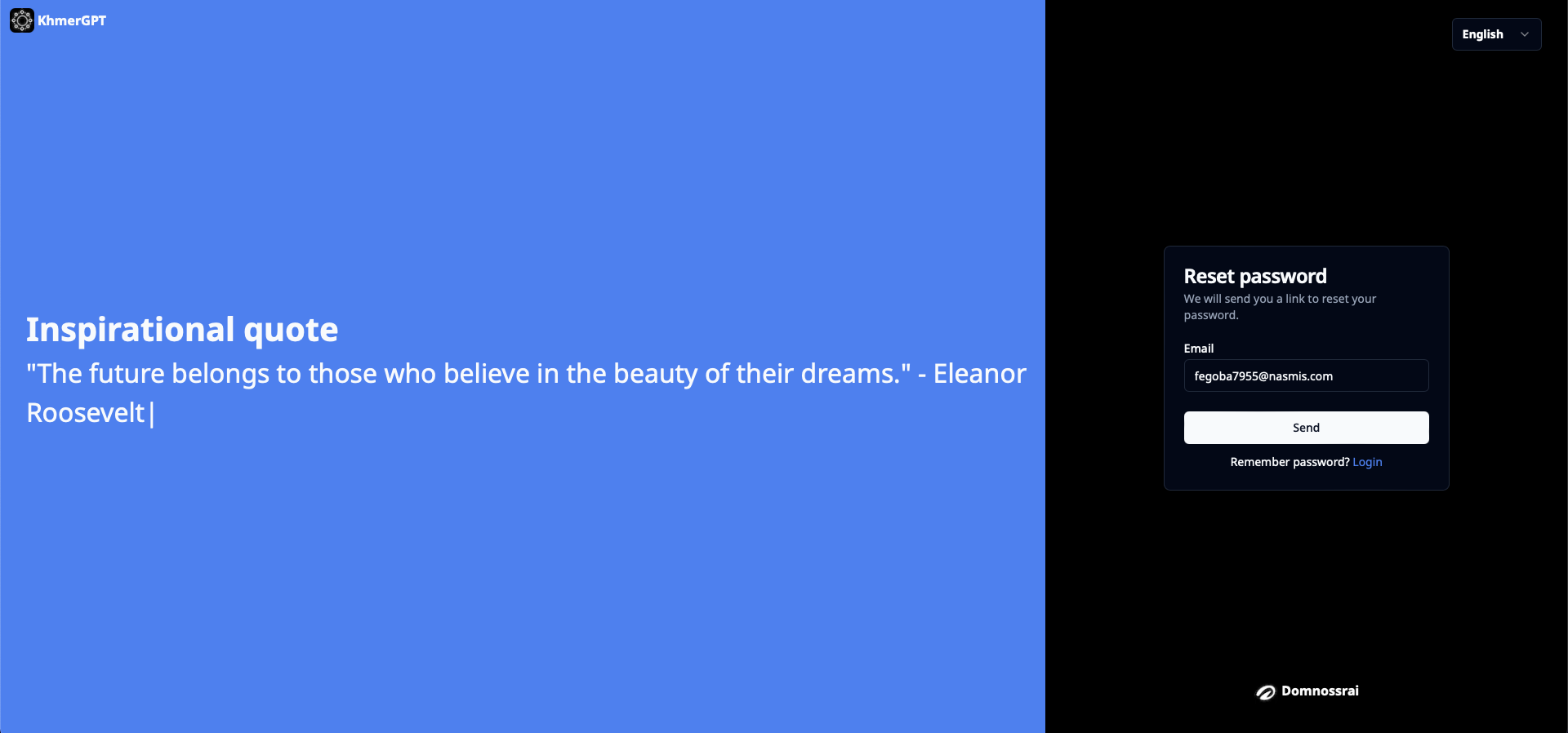
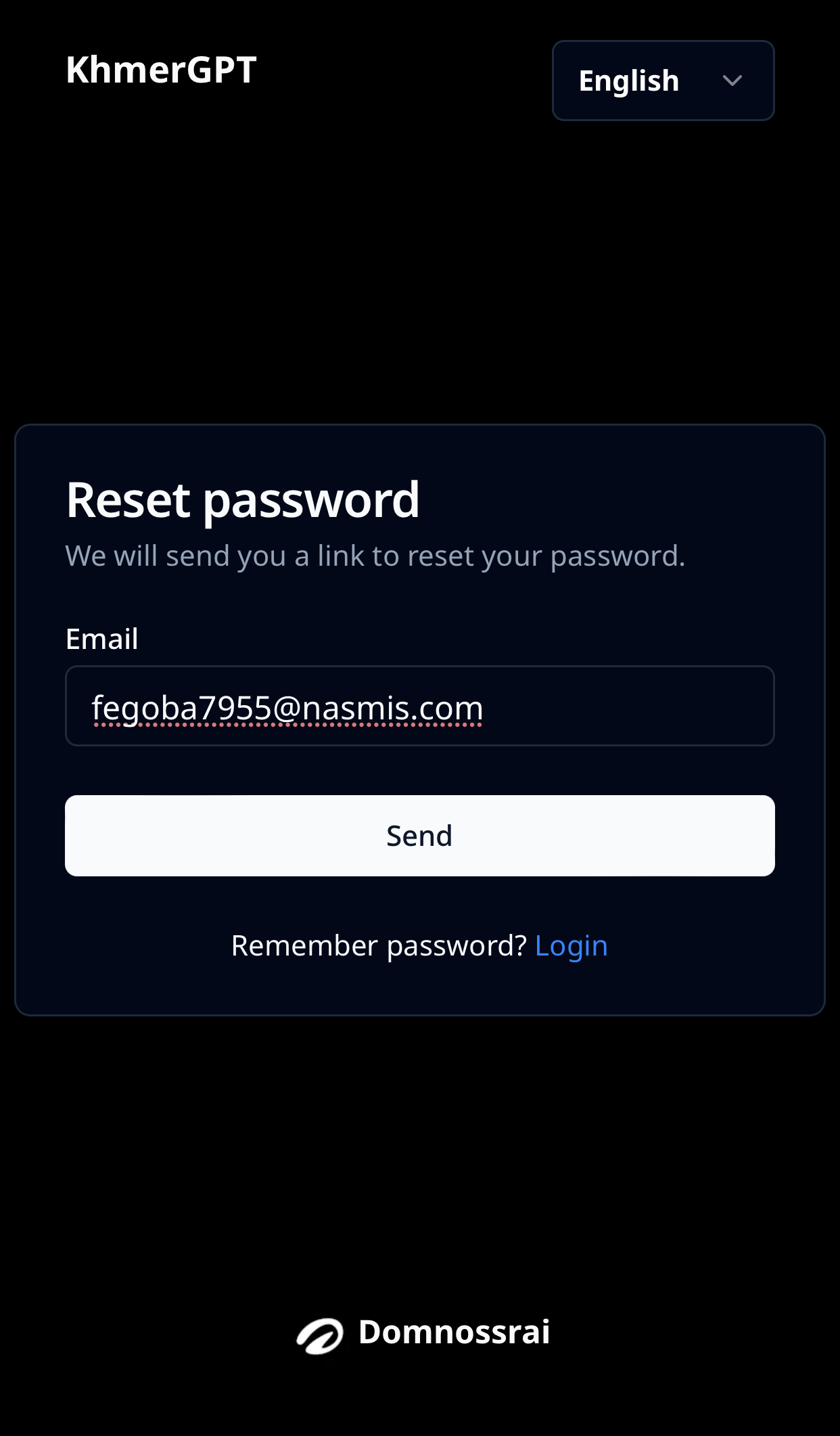
Step 2: Enter Your Email Address
On the password reset page, enter the email address associated with your account.
(Desktop view)
(Mobile view)
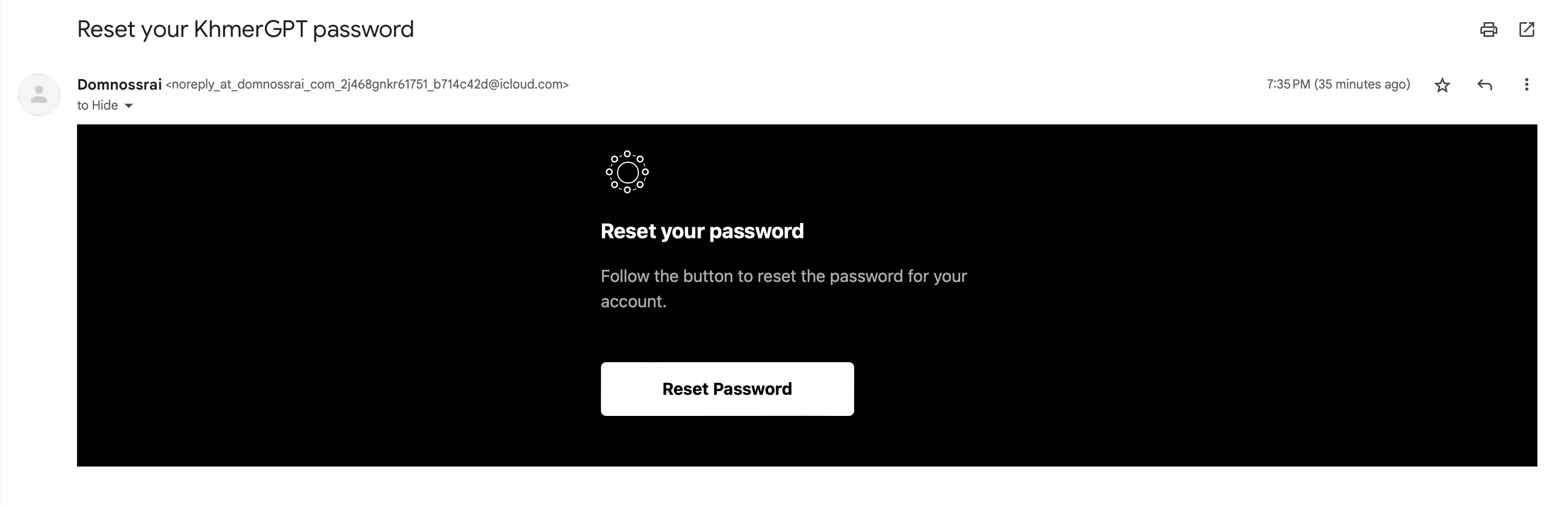
Step 3: Verification
You will receive an email containing a verification link. Click on the button "Reset Password" to verify your identity.
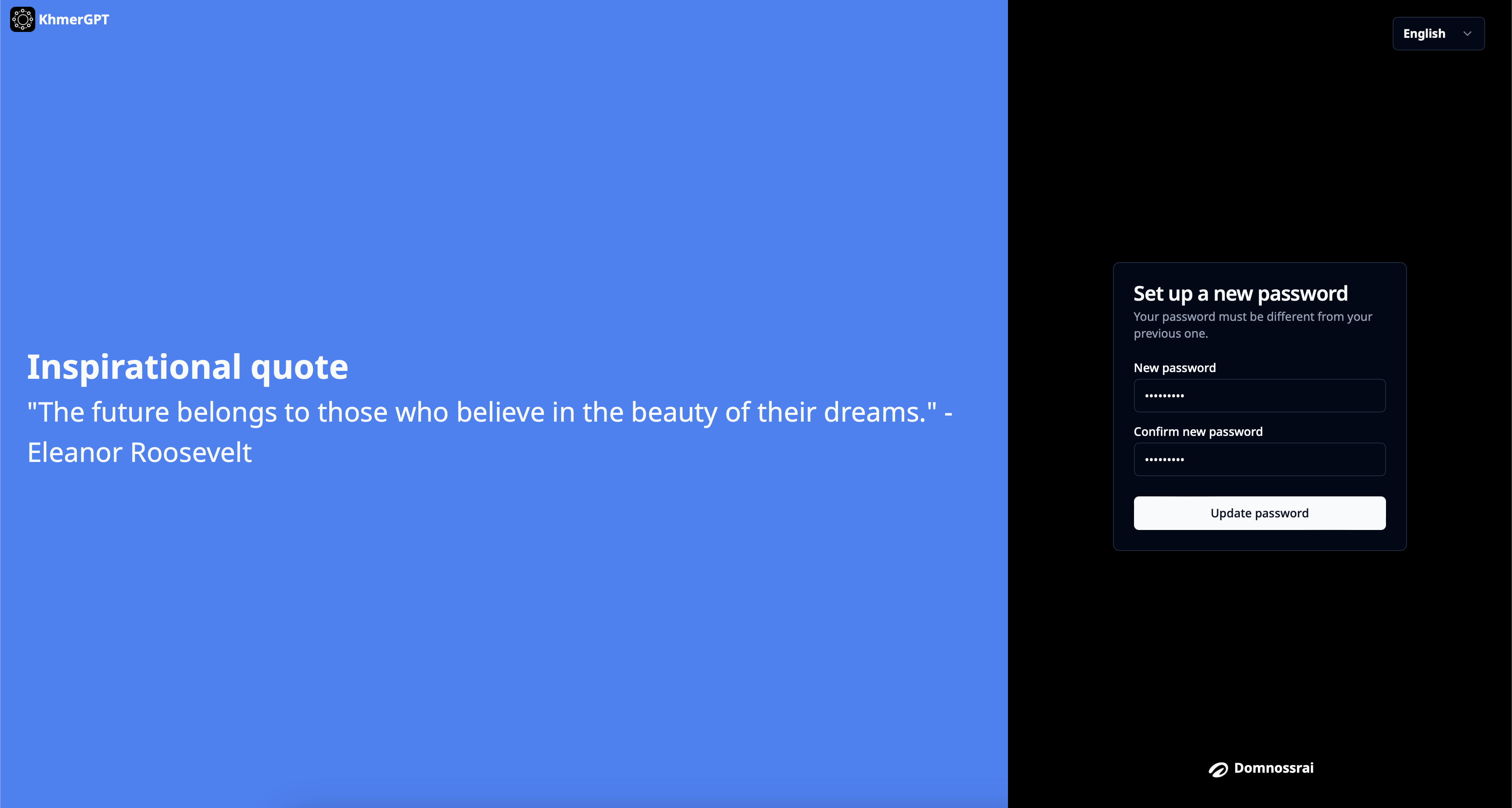
Step 4: Create a New Password
Once verified, you will be prompted to create a new password. Choose a strong password that includes a combination of uppercase and lowercase letters, numbers, and special characters. and confirm your new password by entering it again.
(Mobile view)

Step 5: Login
Return to the login page and use your newly reset password to access your account.